Travel and Experienceskorea esimincheon airport esim
Korea eSIM Guide: Data-Only or a Korean Number?
Korea eSIM for tourists: when data-only is enough, when you need a Korean number, how to check your phone, carrier prices and Incheon Airport pickup.
For maps, translation and KakaoTalk, a data-only Korea eSIM is enough. If you want text verification for restaurant waiting apps or taxi apps, pick a plan with a Korean number. Your phone has to support eSIM and be carrier-unlocked, and it is easiest to scan the QR code on home WiFi before you fly.
A Korea eSIM with data only is enough if you just use maps, translation and KakaoTalk. If you also want text verification for a restaurant waiting app or a taxi app, pick a plan that comes with a Korean number.
Two things to check first: that your phone supports eSIM, and that it is carrier-unlocked (the lock is what stops a phone from using another country’s network). If both are fine, scan the QR code on home WiFi before you fly and you are done.
eSIM vs Physical SIM vs Pocket WiFi: Connectivity Matrix
When choosing your mobile connectivity in South Korea, the best option depends on your smartphone hardware, party size, and whether you require a local 010 mobile number for restaurant waitlists (CatchTable) or Kakao T ride-hailing. Use this quick comparison matrix to choose before departing:
| Feature | Travel eSIM | Physical SIM Card (USIM) | Pocket WiFi (“Egg”) |
|---|---|---|---|
| Recommended Traveler | Solo or couple travelers, modern smartphone owners | Older phone models (no eSIM hardware) | Groups of 3–4, multi-device connectivity |
| Setup & Pickup | Instant digital delivery (Scan QR via email) | Roaming counter or convenience store pickup | Airport rental counter pickup and drop-off required |
| Keep Home SIM Active | Dual SIM active (Receive home SMS 2FA & calls) | Home SIM removed (Cannot receive home texts) | Home SIM active via normal Wi-Fi connection |
| Local 010 Number | Plan-dependent (Data-only vs Incoming 010 number) | Widely available with incoming/outgoing options | Data only (No Korean phone number provided) |
| Hardware & Charging | None (Runs directly on smartphone battery) | None (Runs directly on smartphone battery) | Must carry router & power bank; daily recharging |
| Critical Requirement | Phone must be carrier-unlocked with valid EID | Phone must be carrier-unlocked | Inconvenient airport counter queues on arrival/departure |
For solo travelers with an unlocked modern phone, an eSIM is the cleanest choice—it activates instantly via QR code without dealing with physical trays or airport queues. If your phone lacks eSIM capability, a physical SIM is your best backup, while pocket WiFi routers suit small groups sharing one data plan.
How to check your phone works with a Korea eSIM
iPhones from the XS, XS Max and XR onward support eSIM. I opened Apple’s support page and found separate notes for mainland China models, and Hong Kong and Macao models, which use two physical SIMs instead. If you bought your phone there, double-check.
For the lock, go to Settings, General, About and look at the Carrier Lock line. If it says No SIM restrictions, you are unlocked. Only the carrier you bought the phone from can unlock it, so finding out the night before your flight is too late.
Google Pixel 4 and later support eSIM. On other Android phones, dial *#06# in the phone app and see whether an EID shows up. SKT says an EID starting with 89 means your phone can use eSIM.
One catch: the LG U+ FAQ says its eSIM does not work on Pixel and OPPO phones. If you carry a Pixel, look at another carrier’s plan.
Korean carrier eSIM prices
I put the three carriers’ tourist eSIM pages side by side. Only SKT and KT list prices on their official pages, and a one-day data-only plan is 6,500 won at both.
| Carrier | Plan | Price (official pages) |
|---|---|---|
| SKT | Data only, 1 day | LTE 6,500 won, 5G 9,500 won |
| SKT | Voice and text included, 2 days | LTE 12,000 won, 5G 15,000 won |
| SKT | Palace pass with voice, 3 to 90 days | From 18,000 won on LTE, from 25,000 won on 5G |
| KT | Data only, 1, 3, 5, 7, 10 and 30 days | 6,500, 18,000, 27,500, 35,000, 38,500 and 71,500 won |
| KT | Data and voice, 3, 5, 7, 10 and 30 days | 23,500, 33,000, 40,500, 44,000 and 77,000 won |
| LG U+ | Data only, data and voice | No price in the official FAQ |
I also read through KT’s English user guide PDF. KT data runs at full speed up to 11GB a day, then continues at up to 5Mbps. The voice plans include a 010 number and 16,500 won of call credit.
SKT’s palace pass plan bundles a 3,000 won transit card and a 13,000 won combined palace ticket. If you plan to visit several palaces, compare it with buying those separately.
LG U+ sells data-only plans online and at the airport, but data-and-voice plans only at the airport. Pickup is at the Incheon, Gimpo or Gimhae airport customer centers, and nothing is delivered. LG U+ says that if you buy an eSIM for 3 days or more, you get a T-money card free at the airport counter.
Do you need a Korean phone number?
Not if you stick to maps and messaging. Kakao’s help page says you can sign up for KakaoTalk with an international number, though the verification text can be slow or fail to arrive depending on your carrier.
A number matters where text verification is involved. The LG U+ FAQ says text verification for restaurant and taxi apps only works on plans with voice. Bank and government identity checks do not work even with a voice plan.
And having a number does not fix everything. SKT says you cannot receive identity-verification or payment texts, and KT says its identity-verification service is not supported. Think of a tourist number as something for everyday texts, like a restaurant waitlist or a driver getting in touch.
Voice plans also need passport verification before calls and texts work. With SKT you do it online with the QR code in your voucher email, every day from 8 a.m. to 10 p.m., or at an airport roaming center. SKT says data-only plans need no passport verification.
Getting an eSIM at Incheon Airport
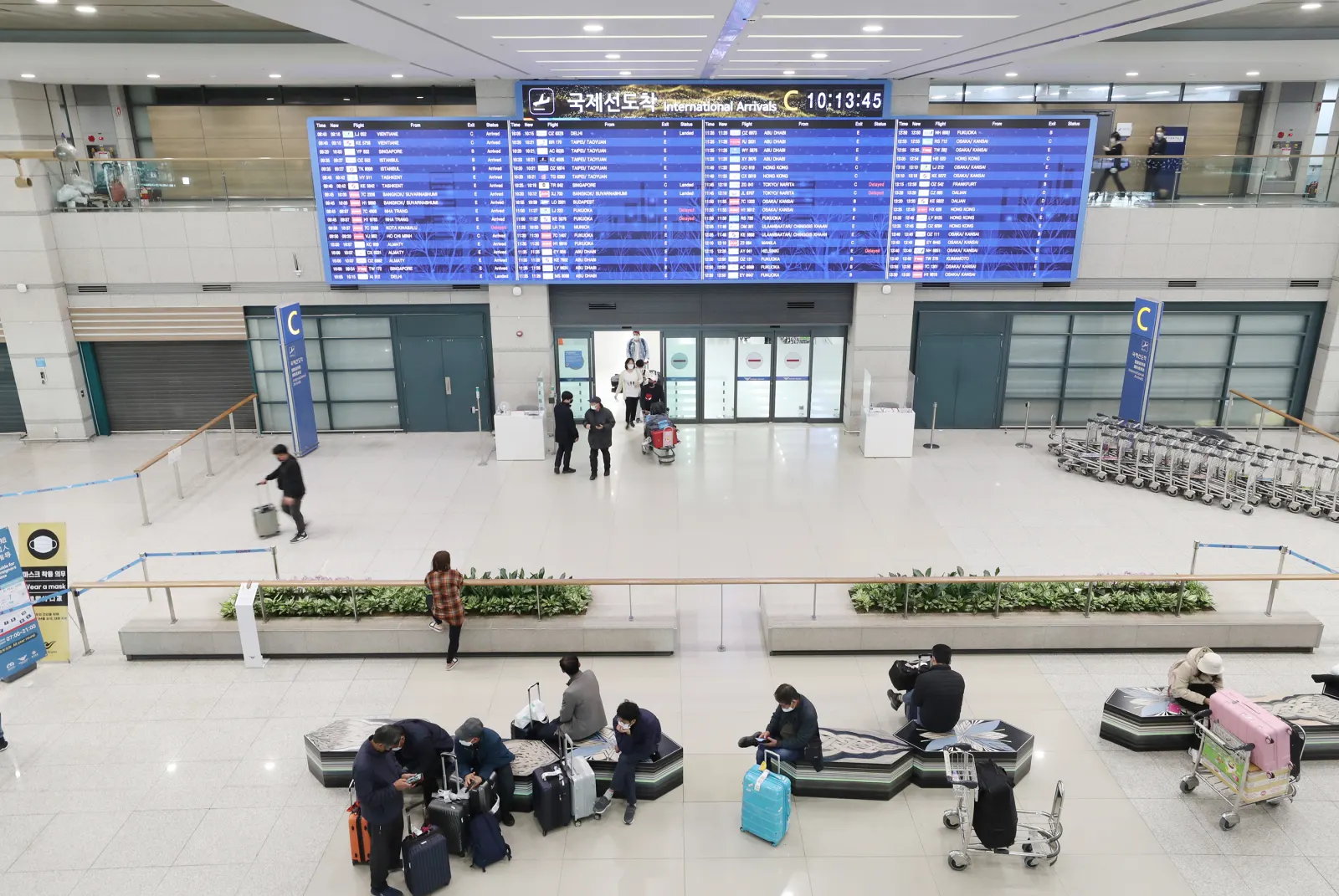
All three carriers have roaming centers on the first floor of the arrivals hall at Terminal 1 and Terminal 2. Each terminal has one that is open around the clock, and the rest mostly run from 6 a.m. to 10 p.m.
| Carrier | Terminal 1, 24-hour desk | Terminal 2, 24-hour desk |
|---|---|---|
| SKT | Opposite Exit 13 | Opposite Exit 7 |
| KT | Near Zone F (opposite Exit 13) | Zone A (opposite Exit 4) |
| LG U+ | Gate F | Gate 3 |
Exit and gate numbers follow each carrier’s own guide, and the labeling differs between companies. It helps to screenshot the location page from the carrier you bought from so you do not wander around. KT also has desks at Gimpo Airport (next to Exit 1, 6:30 a.m. to 11 p.m.) and Gimhae Airport (between Exits 2 and 3, 6 a.m. to 10 p.m.).
After you install it
Treat the QR code as a one-shot thing. KT requires installation within 30 days of purchase, allows one installation only, and will not issue a new QR code if you delete the plan. SKT gives you 180 days to scan, but it works on one device only.
I opened Apple’s travel guidance, which suggests setting your data line to the eSIM and keeping your home number switched on so calls and verification texts still reach you. Your home line may charge roaming fees, though, so turn off data roaming on it.
Only LG U+ says hotspot works on its eSIM, and I could not confirm it in the SKT or KT guides. If you want to tether a laptop, ask the carrier before you buy.
Real-world performance: 5G throughput, latency, and carrier roaming quirks
Field benchmarking across South Korea reveals clear functional differences between native telco profiles and international roaming aggregators.
Independent network evaluations across Seoul, Busan, Jeonju, and Jeju (Korea eSIM speed benchmarking) confirm that tier-1 profiles riding directly on SK Telecom provide unthrottled 5G connectivity with low latency, easily handling intensive video calls, high-res mapping, and hotspot tethering. A 20 GB allocation comfortably supports 8 to 10 days of active navigation and social uploads.
Conversely, budget roaming aggregators frequently throttle connections to legacy 4G LTE roaming tiers (travel connectivity stress test). Because foreign roaming profiles route packet data back through third-country routing gateways (often Hong Kong or Singapore), increased ping latency can cause FaceTime and WhatsApp video calls to stutter or fail to connect entirely. If high-bandwidth two-way streaming is required, verify domestic 5G routing before purchase.
First-time installation commonly suffers from network APN negotiation delays (eSIM activation troubleshooting). If your phone displays ‘No Service’ upon touchdown at Incheon, toggling Airplane Mode or performing a hard restart immediately forces local cell tower handoff. Crucially, remember that data-only eSIM profiles lack incoming SMS capabilities, making domestic concert ticketing and local waitlist app verifications impossible without a voice-and-SMS-enabled SIM.
Reality check
If there is a line at the roaming center when you step into the arrivals hall, everyone on your flight had the same idea. Scan the QR code at home and that line is somebody else’s problem.
Deleting the eSIM deletes the plan with it. If your phone acts up mid-trip, do not factory reset it first; go to your carrier’s airport desk before anything else.
If your trip lines up with Seoul’s year-end events, take a look at Seoul Winter Festa and the festival posts too. You will be leaning on your map app to find the venues.
Frequently asked questions
Is a data-only Korea eSIM enough for tourists?
If you only use maps, translation, KakaoTalk and Instagram, data-only is enough. LG U+ says text verification for restaurant and taxi apps works only on plans that include voice, so if you plan to book waiting lists or call taxis yourself, a plan with a number is less stressful.
How do I know if my phone supports eSIM?
iPhones from the XS and XR onward support eSIM, and so do Google Pixel 4 and later. On an iPhone, open Settings, General, About and check that the Carrier Lock line says No SIM restrictions. On Android, dial *#06# in the phone app and see if an EID shows up.
When should I install the eSIM?
Before you leave, on home WiFi. Both SKT and KT need WiFi for installation, and you can install only once. KT cancels the plan with no refund if you have not installed it within 30 days of purchase.
Can I activate an eSIM at Incheon Airport?
Yes. SKT, KT and LG U+ all have roaming centers on the first floor of the arrivals hall at Terminal 1 and Terminal 2, and each terminal has one that is open 24 hours. Exit numbers differ a little between carrier guides, so check the page of the carrier you buy from.
Can I get my eSIM back if I delete it?
No. KT allows one installation and does not issue a new QR code after deletion, and SKT says service ends when the eSIM profile is deleted. If you plan to swap or reset your phone, wait until after the trip.
Sources
- Getting connected in Korea: SIM, eSIM, WiFi rental, 한국관광공사 VisitKorea (accessed )
- SK telecom eSIM for visitors(상품, 가격, 여권 인증), SK텔레콤 (accessed )
- SK telecom roaming FAQ(와이파이 에그 대여 조건), SK텔레콤 (accessed )
- SK telecom roaming center locations, SK텔레콤 (accessed )
- KT Tourist eSIM user guide(2026.07), KT (accessed )
- Korea SIM FAQ: eSIM, LG유플러스 (accessed )
- 인천공항 도착 가이드(로밍센터 위치), LG유플러스 (accessed )
- Using eSIM on iPhone(지원 모델), Apple (accessed )
- Use your iPhone when you travel internationally(통신사 잠금 확인, 데이터 회선 선택), Apple (accessed )
- Use eSIM on a Pixel phone, Google (accessed )
- Signing up for KakaoTalk with an international phone number, 카카오 고객센터 (accessed )
- 한국 방문 시 eSIM과 전화번호 후기(2025.3.29), 마일모아 게시판, ooak (accessed )
- 韓国eSIM 入国後の本人認証(2026.8), Misaのブログ(Ameba) (accessed )
- 韓国旅行で電話番号が必要だった場面(2026.2), 子連れトリップ(Ameba) (accessed )
- Best eSIM for South Korea: Airalo Is Our Tested Winner(2026.8, 8-day trip report), Traveltomtom (accessed )
- Best eSIM Options for South Korea, Reviewed and Tested(2025.8, updated 2026.10), Bachelor of Travel (accessed )
- The Best Korean SIM Cards & eSIMs For Your Trip to Korea(2026.10 update), The Soul of Seoul (accessed )
- Incheon International Airport Corporation airport images (T1 arrivals hall photo, KOGL Type 1), 인천국제공항공사, 공공데이터포털 (accessed )